

industry starting points
Begin with the environment your team and customers actually use.
Solutions / workflow first
Connect SUNMI POS terminals, self-service kiosks, payment devices, peripherals and software to retail, restaurant, hospitality, ticketing and queue workflows, then prepare the rollout plan.
Discuss your projectStart with the operation
Different businesses need different combinations of checkout, payment, printing, scanning, self-service and data capture. Start with the work to be done, then choose the form factor, software surface and deployment controls that support it.
Begin with the environment your team and customers actually use.
Connect device selection, software integration and rollout planning.
Bring country, quantity, software and timeline into the first review.
Choose a workflow
These are practical starting points for a device and software conversation. Each one can use your existing application, a third-party system or a defined Android build within an agreed scope.
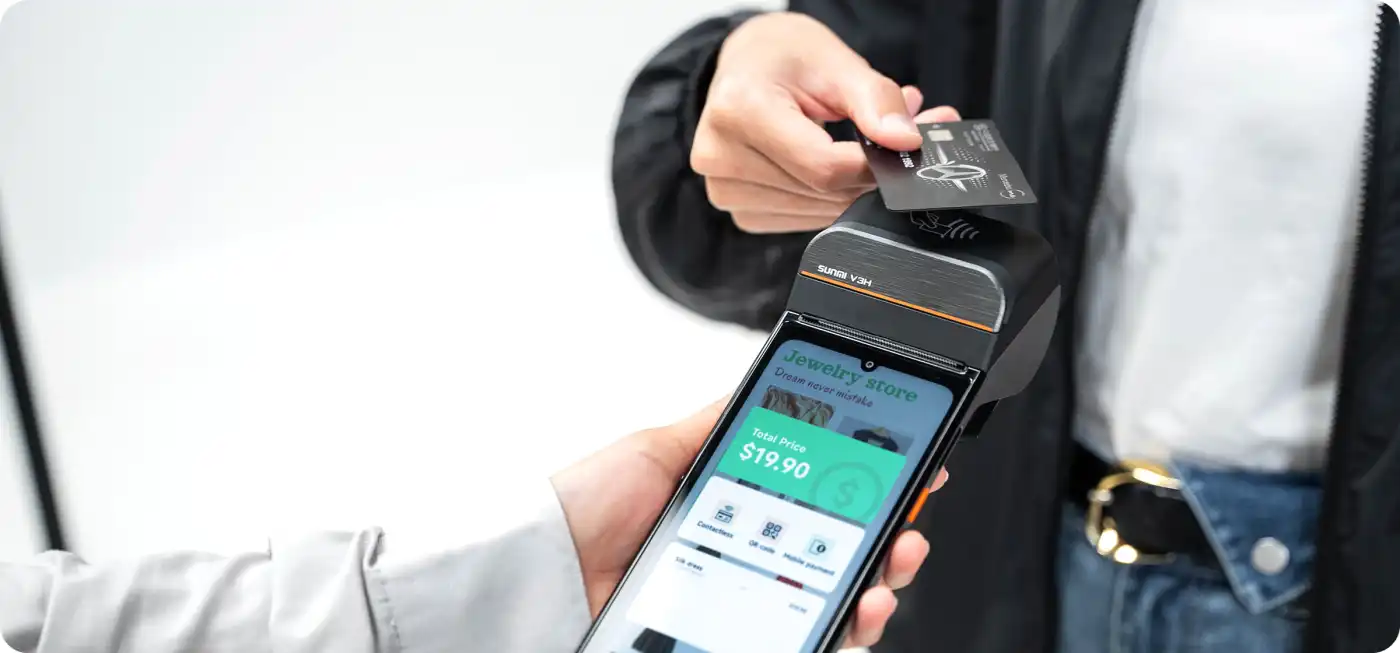 01SUNMI manufacturer product material
Support fixed checkout, assisted selling, queue-side payment and stock capture with a device mix that follows store format and transaction flow.
Start by separating counter, mobile and payment roles. Then confirm the acquirer, printer, scanner and country requirements.
 02SUNMI manufacturer product material
Link front-of-house order entry with kitchen production, payment and receipt workflows while keeping application and peripheral assumptions explicit.
Separate front-of-house, KDS, printer and payment roles before selecting the rollout configuration.
 03SUNMI manufacturer product material
Equip mobile teams for order capture, scanning, payment or service records where network, battery, ergonomics and device management shape the result.
Document the route, connectivity, charging, carry method and data-sync behavior before a field pilot.
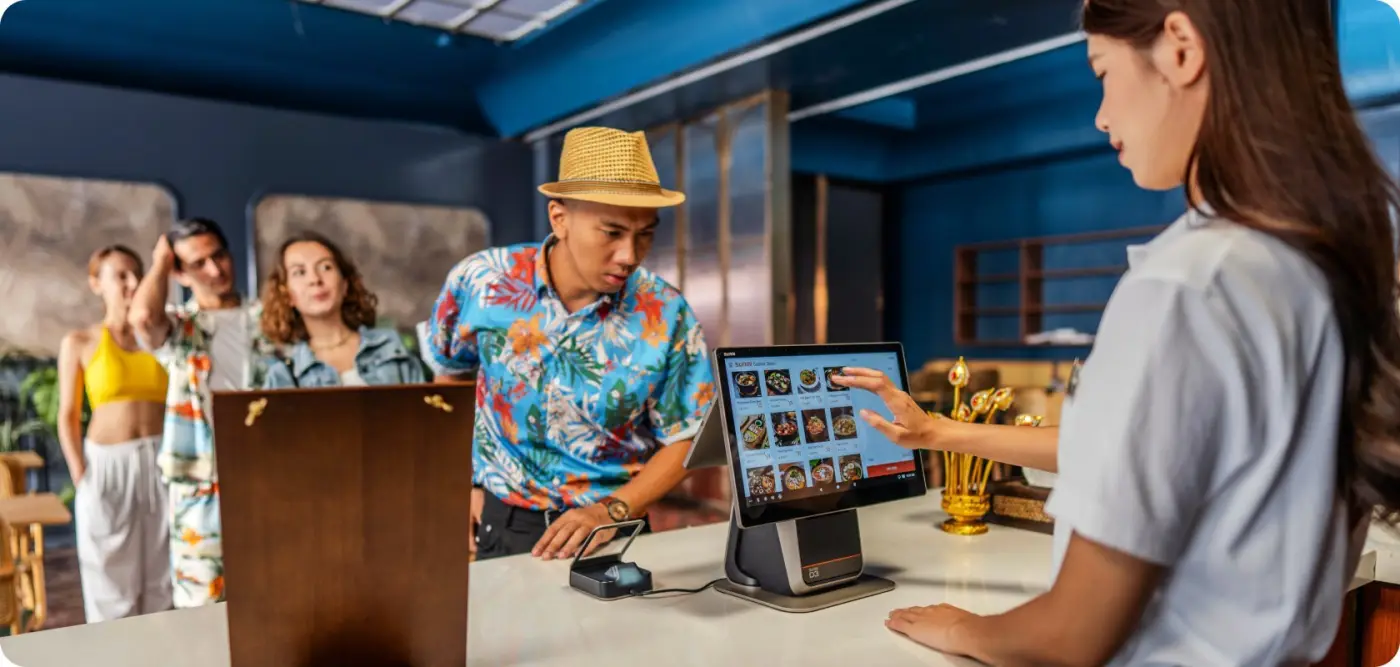 04SUNMI manufacturer product material
Plan front desk, queue, concierge, event and self-service workflows with the right mix of counter, mobile, payment and kiosk endpoints.
Map guest-facing and staff-facing steps separately, including privacy, network and handover requirements.
 05SUNMI manufacturer product material
Support non-clinical registration, queue, payment and inventory workflows while keeping data access, privacy, network and clinical-system ownership explicit.
Define the data boundary and system owner first. Device selection follows the approved workflow, access policy and site conditions.
 06SUNMI manufacturer product material
Design around scanning, label output, mobile ergonomics, connectivity and handover records for receiving, picking, dispatch or delivery workflows.
Measure scan volume, label format, shift length, connectivity and charging before moving from a sample to a batch.
Recommended devices are starting points, not a compatibility or availability guarantee. Confirm the exact model, firmware, accessories, payment configuration and destination before purchase.
A visual brief
A solution is easier to scope when the physical environment is visible. These three patterns show how the same device, software and deployment decisions change between a customer-facing counter, a production station and a mobile route.
 01
0101 / customer-facing
A retail project usually spans a fixed till, mobile associate and payment endpoint. Keep the basket, payment reference and receipt status connected as the customer moves.
Roles: cashier / associate / supervisor0202 / operations
Restaurant and service teams need the same order identity at front of house, kitchen display, printer and payment station. Map events, retries and acknowledgements before pilot.
Roles: server / kitchen / manager0303 / field and logistics
Scanning, proof of delivery and service records depend on battery, connectivity, ergonomics and a visible recovery queue. Test the route, not only the desk.
Roles: driver / warehouse / dispatcherEvery image on this page is bundled with UnitWeave for fast, self-contained browsing. Product visuals remain labelled SUNMI manufacturer material; illustrative photography is kept separate from customer or delivery claims.
The solution is the system
A commercial device project becomes easier to review when every decision has an owner and an acceptance condition. The layers below connect the business goal to what is actually supplied and tested.
Name the transaction, task or handoff that must work in the field.
Inputs: users, locations, roles, volume and exception paths.Map each role to a form factor, screen, payment, printer, scanner and accessory set.
Inputs: model, variant, firmware, peripherals and network.Use your application, a third-party platform or a focused Android build with a defined integration surface.
Inputs: app build, SDK or Intent, permissions and data ownership.Prepare preload, naming, policy, MDM, staging batches and handover evidence for repeatability.
Inputs: signing, credentials, packaging, acceptance and support boundary.Select / integrate / deploy
The first conversation should make the next decision smaller. We can route the brief to device selection, application validation, custom Android work or deployment engineering as the facts become clear.
Describe the workflow, destination, quantity, timeline, existing software and must-have peripherals.
Output: shortlist, open questions and a sample or quote path.Validate the exact model, Android version, firmware, app build, accessories, network assumptions and acceptance steps.
Output: compatibility notes, known limitations and an evidence state.Coordinate preload, device naming, policy, MDM, accessory pairing, staging batches and handover records.
Output: deployment profile, responsibilities and project-specific terms.Public reference points
The examples below are public SUNMI manufacturer case material. They describe SUNMI customer projects that UnitWeave helps deliver as SUNMI's global authorized distributor within the scope of our current authorization, presented here with our delivery perspective. They are not standalone UnitWeave-owned case studies or our own test results.
 01
01SUNMI reports 30% lower cost and 40% less space for the all-in-one device.
A manufacturer case card about consolidating retail and payment operations.
ChallengeRetailers needed one compact counter system for checkout, payment and peripheral control.
DeliveryA SUNMI all-in-one counter configuration that consolidates the retail and payment workflow.
ResultSUNMI reports 30% lower cost and 40% less space compared with the previous setup.
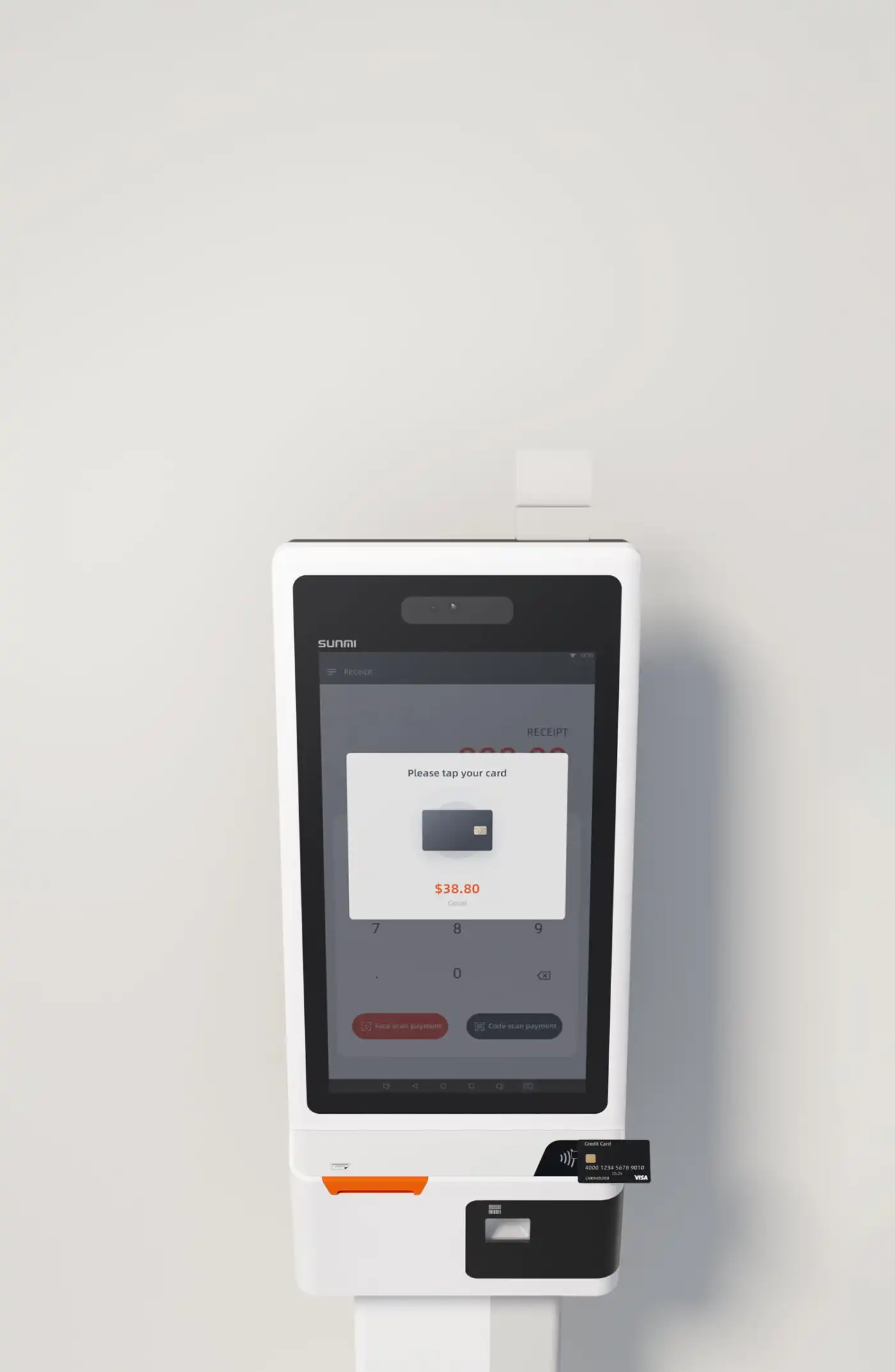 02
02SUNMI describes an automatic ticketing and checking system.
A public manufacturer case card for ticketing and access workflows.
ChallengeA high-volume tourism destination needed faster ticket issuance and reliable access checks.
DeliveryA self-service SUNMI kiosk workflow for automatic ticketing, validation and controlled entry.
ResultThe published case positions automation as the way to reduce queues and make access checks repeatable.
03SUNMI describes improved payment efficiency and customer experience.
A public manufacturer case card for a payment workflow.
ChallengeA financial-services team needed a dependable Android payment terminal for customer-facing transactions.
DeliveryA SUNMI payment-terminal deployment aligned to the acquiring application and the bank's operating flow.
ResultSUNMI describes improved payment efficiency and a better customer experience.
 04
04SUNMI describes fewer failures and improved factory productivity through an all-in-one solution.
A public manufacturer case card for production operations.
ChallengeFactory operators needed a rugged, repeatable device workflow that could withstand production-floor use.
DeliveryA SUNMI handheld workflow for production visibility, operator input and exception handling.
ResultSUNMI describes fewer failures and improved factory productivity through an all-in-one solution.
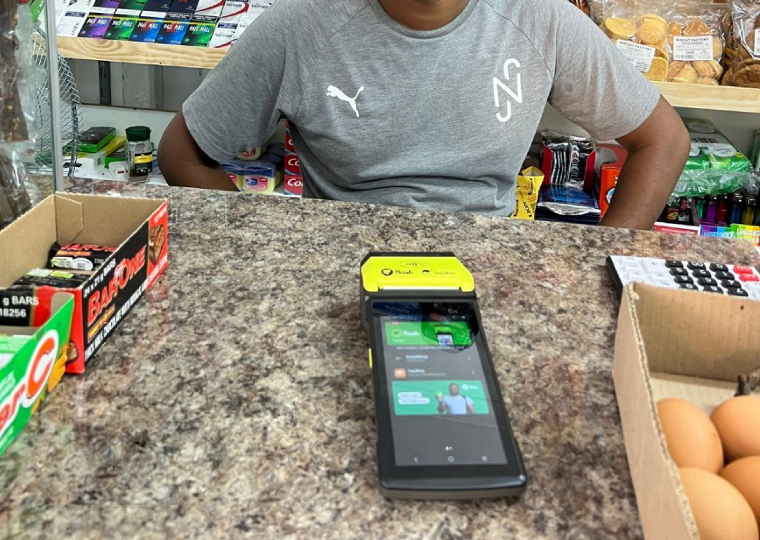
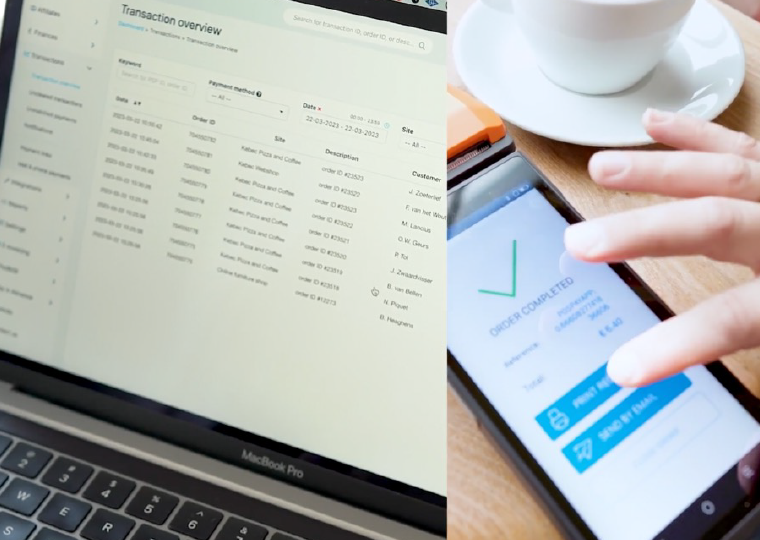 05
05End-to-end payment solutions.
A payment-platform reference focused on connecting acceptance, terminals and merchant operations.
ChallengeMerchants needed a consistent payment experience across channels and device touchpoints.
DeliveryAn end-to-end payment setup pairing SUNMI hardware with the acquiring and merchant software layer.
ResultThe case demonstrates a unified payment path that is easier to roll out and support.
 06
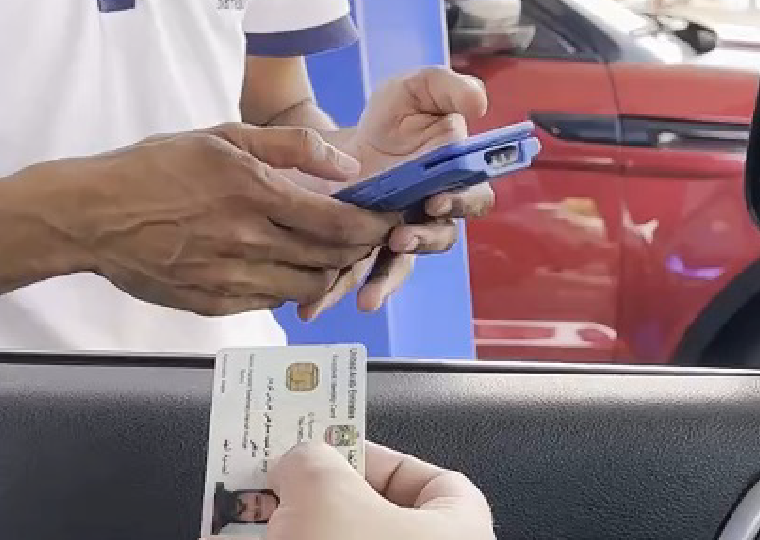
06Greater efficiency and better remote management.
A distributed operations reference where centrally managed Android devices support field workflows.
ChallengeA delivery network needed visibility and control across devices working away from the central office.
DeliverySUNMI mobile hardware configured for dispatch, proof-of-delivery and remote fleet management.
ResultThe published case highlights better operational efficiency and remote control of the device estate.
 07
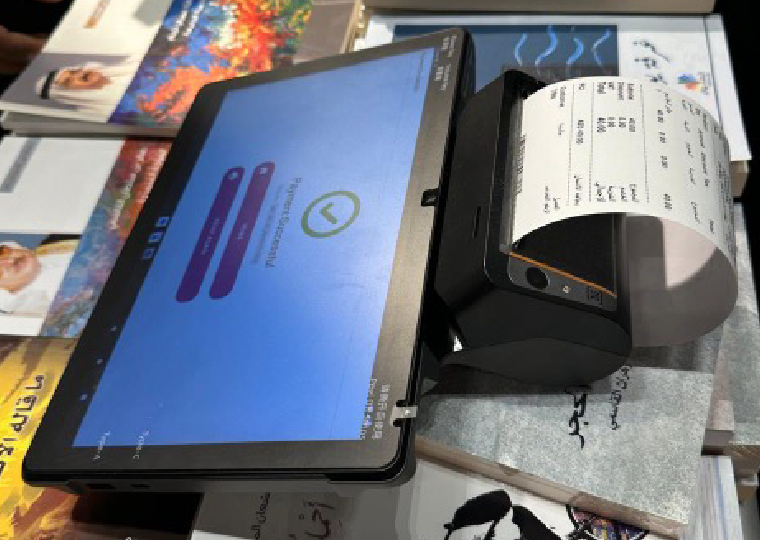
07Improved security, simpler processes, lower costs and stronger customer loyalty.
A service workflow reference combining secure identity, guided transactions and customer-facing Android software.
ChallengeThe operator needed to make a security-sensitive process easier for staff and customers to complete.
DeliveryA guided SUNMI terminal workflow with controlled access, simplified steps and a clear audit trail.
ResultSUNMI reports security and process improvements alongside lower operating cost and better retention.
 08
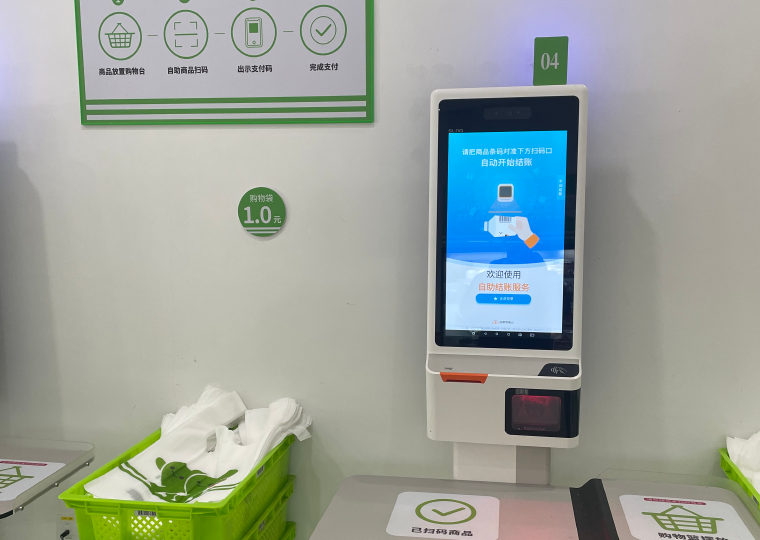
08An all-in-one payment solution with improved payment efficiency.
A pop-up retail reference where fast setup and lightweight payment hardware matter.
ChallengeEvent sellers needed reliable checkout in temporary spaces with limited counter room and setup time.
DeliveryA portable SUNMI all-in-one payment station configured for rapid event deployment.
ResultThe case links a compact setup with faster payment handling and simpler event operations.
 09
09A smoother consumer experience with lower labor cost.
A consumer-service reference focused on reducing manual work while keeping interactions simple.
ChallengeThe service team needed to serve more customers without adding the same amount of frontline labor.
DeliveryA SUNMI Android workflow that puts ordering, status and customer interaction on one managed device.
ResultSUNMI positions the deployment as a way to improve consumer experience while reducing labor pressure.
 010
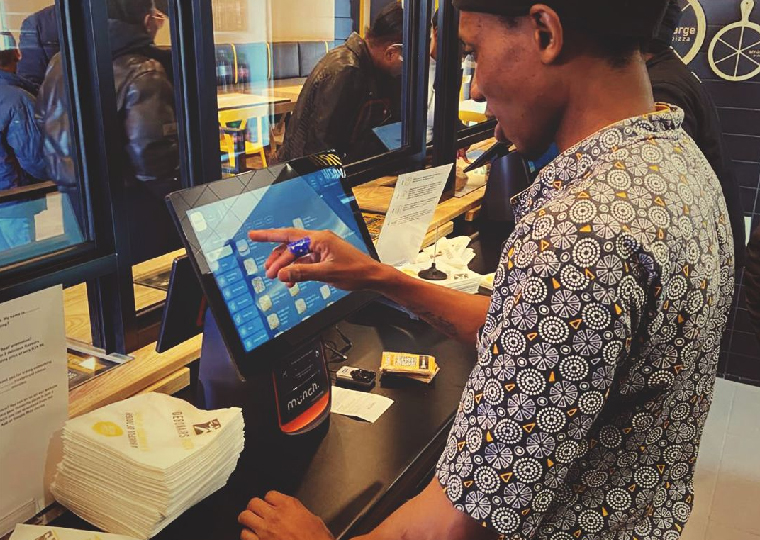
010A unified setup designed to meet customers' comprehensive needs across brands and channels.
A multi-brand food-service reference spanning counter service, payments and customer engagement.
ChallengeA large food-service group needed consistent operations across brands and customer touchpoints.
DeliverySUNMI counter and payment devices connected to the group's ordering, loyalty and store systems.
ResultThe public case emphasizes a more complete customer experience supported by one connected device layer.
 011
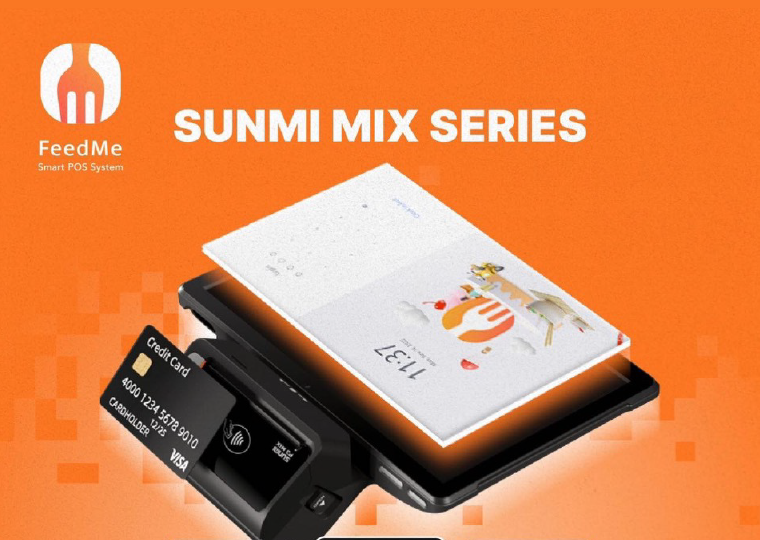
011Mobile, convenient and lightweight all-in-one payment solutions.
A mobile food-service reference where staff need to take payment close to the customer.
ChallengeFood-service staff needed to accept payments quickly without sending customers to a fixed counter.
DeliveryA lightweight SUNMI mobile terminal integrated with the ordering and payment flow.
ResultThe case presents mobility and compact design as the basis for faster, more convenient service.
These profiles combine SUNMI's published case references with UnitWeave's delivery perspective as SUNMI's global authorized distributor within the scope of our current authorization. They describe SUNMI customer projects that UnitWeave helps deliver through device supply and delivery coordination; they are not standalone UnitWeave-owned case studies or UnitWeave test results. Product availability, local certification, payment acquiring and support terms remain specific to the named project and destination market.
Discuss your projectManufacturer case material summarized on this site; source and permission records are maintained for attribution.
Before the first brief
Yes, where the named application and integration surface can be assessed. The review should identify the model, Android version, firmware, SDK or Intent path, permissions, peripherals and app build.
Software follows the workflow. Keep your existing POS, ERP or field application, use a qualified third-party platform or scope a focused Android application with UnitWeave; we name the business-logic owner, agree the device and integration surface, and document acceptance and support responsibilities before work starts.
It depends on the physical task, payment method, printer or scanner role, network, battery, accessory set, destination and volume. Use the catalog as a starting point and request a project-specific selection review.
Preload, naming, policy, MDM enrollment, accessory pairing, staging and handover can be scoped as deployment engineering. Package ownership, credentials, acceptance and country-specific terms are confirmed per project.
These are SUNMI customer projects supported by UnitWeave in its role as SUNMI's global authorized distributor within the scope of our current authorization. The case cards are based on SUNMI manufacturer material and are presented with our delivery perspective; they are not standalone UnitWeave-owned case studies or UnitWeave test results. Any project-specific UnitWeave validation or delivery claim still requires its own named record and evidence.
Ready for a defined next step?
Tell us what needs to happen, where it will happen, how many devices are involved and what software is already in place. We will use those facts to route the right device, integration or deployment conversation.